
Paysera Tickets ticketing platform
Sell tickets to your event online – a simple system for events of any size.



Paysera Tickets advantages
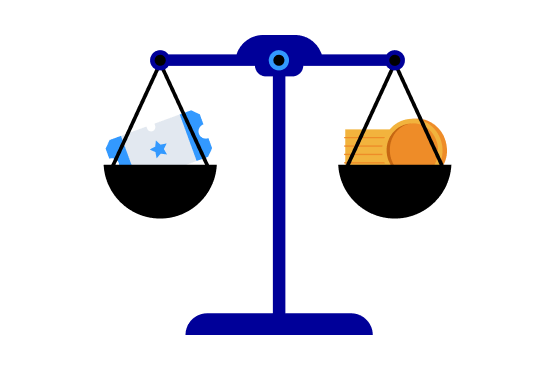
Transparent pricing
You pay only for what you sell
 Free events – EUR 0 for platform use. Paid events are subject to set fees that depend on the number of transactions. No “ticket” or “administration” fees – for you or your attendees. Ticket validation via the free Paysera Tickets app (iOS and Android).
Funds in your account immediately
Funds reach you in real time – no need to wait until the event ends
Instant receipt of payments – every sale immediately becomes funds in your Paysera account. Use the funds – plan and invest in the event even before it starts. More than 10 payment methods – e-banking, payment cards and other popular methods. International reach – tickets can be purchased from anywhere in the world in any currency.
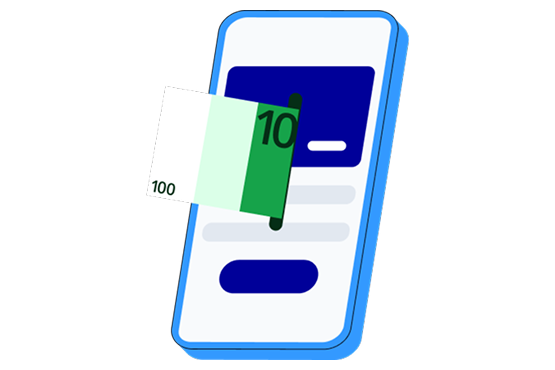

Everything you need to manage an event
Manage your events without any restrictions
Unlimited editing rights – change information, prices and ticket types 24/7. Different ticket types – standard, VIP, group – create as many as you need. Discount codes and invitations – encourage early registration or reward loyal customers. Collect the customer information you need – contact details, dietary requirements, etc.
Marketing tools that help you grow
Find out what works and make data-driven decisions
Integrated analytics – Google Analytics, Google Ads and Facebook Pixel. Track event visitor flows, origin and behaviour on the page. Optimise campaigns – find out which channels work best. Group multiple events – different dates, location or related events in one place – easier to promote and share.

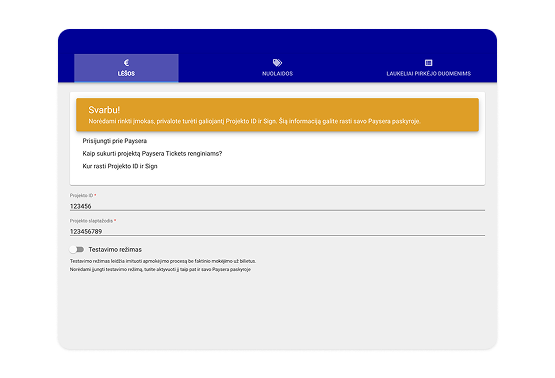
Fees
For payment collection, Paysera Tickets uses the Paysera Checkout payment collection tool, which allows sellers not only to accept payments via convenient methods for buyers, but also to enjoy attractive fees that are calculated based on the number of tickets sold. This means you won’t have to pay a fixed fee, which is especially convenient if you’re selling a small number of tickets.
How to create a free event?
- Go to tickets.paysera.com, click Event management and log in (via Facebook, Google or Paysera account).
- Enter the event information.
- Review additional settings and save the event.
How to create a paid event?
- If you don't yet have a Paysera account – open one quickly and for free. Register >
▶️ How to open a Paysera account? - Create a payment collection project.
▶️ How to start collecting payments? - Go to tickets.paysera.com, click Event management and log in (via Facebook, Google or Paysera account).
- Enter the event information.
- Review additional settings and save the event.
Frequently asked questions
Step 1 – open a Paysera account
Watch video →
Step 2 – create a payment collection project
Watch video →
You can distribute your tickets to free events completely free of charge.
Fees applicable to paid events can be checked HERE. Percentages are calculated only on the number of tickets sold.
Yes, on the Paysera Tickets page customers can pay for tickets not only via popular banks, but also by card and through international payment systems. So you can sell tickets in international markets too.
When trading via Paysera Tickets, you will receive funds for sold tickets and be able to use them immediately.
You will see all funds in your Paysera account, from which you can transfer them, withdraw them, convert them to another currency, etc.
If you need help promoting your event, we can feature it on the main Paysera Tickets page, share it on our social media or in our newsletter.
For all information about advertising opportunities and pricing, please click here.
Have questions?
Contact Paysera Tickets customer service
We provide 24/7 support by phone +44 20 80996963 or email tickets@paysera.com.