
Payment gateways for your e-shop: 7 questions to ask before choosing a provider


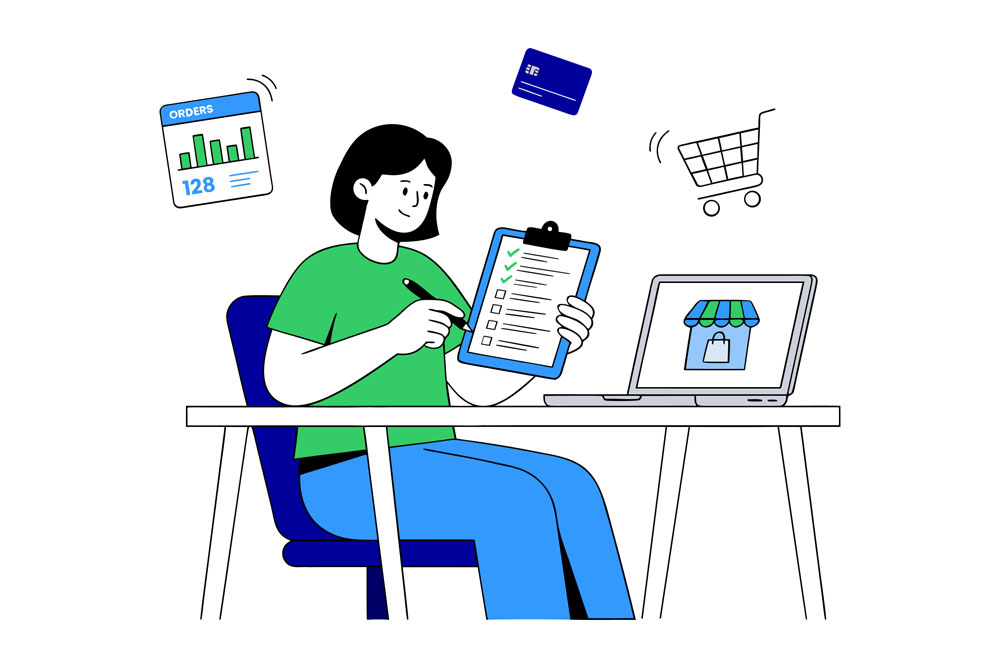
The right payment gateway helps reduce abandoned carts and can save you hundreds or even thousands of euros a year. Before signing a contract with a provider, it pays to look closely at a few essentials.
How does a payment gateway work?
A payment gateway sits between your e-shop and the buyer's bank. It receives the payment, confirms it to the shop, and transfers the money to your account.
Two different models operate in the Baltic states.
Bank Link:
The classic method: the shop signs a contract with a gateway provider, which in turn holds contracts with the banks. The buyer is redirected to their own online banking, confirms the payment, and returns to the shop.
Payment initiation service (PIS):
Introduced by the EU Payment Services Directive. A licensed provider has direct access to the bank's interface and can initiate the transfer on the buyer's behalf, once the buyer confirms it. The chain of intermediaries is shorter, so the pricing works out differently.
The difference looks technical, but it is what drives most of your monthly bill.
1. What is the real cost of a single transaction?
The percentage you see on the first page of an offer is rarely the full price. The cost of one transaction is made up of:
- a percentage of the basket value
- a fixed fee in euros per transaction
- a minimum or maximum fee, which changes the effective percentage
- a monthly plan fee, if the provider charges one
- a one-off connection fee
- refund and dispute fees
For a shop with small baskets, the fixed fee matters more than the percentage. When an item costs 8 EUR, a 0.20 EUR fee is 2.5% of the basket value – more than any advertised rate. For a shop with an average basket of 45 EUR, the same fee is only 0.44%.
Some providers charge a fixed amount in euros for a bank payment instead of a percentage. For a high-turnover shop, this model sometimes costs less than a tiered percentage, so calculate your own monthly total under both options rather than comparing rates.
2. Which payment methods do your buyers need?
In the Baltic states, most buyers pay through their bank rather than by card. Cards become important when you sell outside the Baltics, or when a large share of your traffic comes from mobile devices, where Apple Pay and Google Pay shorten the path to payment. The same card rates apply to these methods.
A practical question for the provider: which banks are connected, and in which countries. In all three Baltic states, Paysera Checkout connects Swedbank, SEB, Luminor, Citadele, and Revolut. Lithuania adds Artea, Urbo bankas, and Lithuanian credit unions; Estonia adds LHV and Coop Pank.
Second question: how much are you paying for methods you do not need? If 90% of your buyers pay by bank transfer, the card rate barely matters – what does matter is that accepting cards should not carry a separate monthly charge.
3. Bank Link or payment initiation?
This is where the biggest price difference lies – and where the choice is most often made out of habit.
With classic Bank Link collection, you pay a percentage on every transaction. Paysera Checkout Modern uses payment initiation, and with this method there is no Paysera commission: no tiers, no minimum, and no maximum amount. Only card payments (including Apple Pay and Google Pay) and collection through Shopify remain chargeable.
When this model pays off most:
- a high number of transactions per month
- a large share of bank transfers compared with cards
- buyers in Lithuania, Latvia, and Estonia
When the benefit is smaller: if most of your buyers pay with cards issued abroad, payment initiation will not reach them and the card rate will matter more.
4. How long will the integration take?
Changing a payment system is often postponed out of fear that the shop will be down for several days. In practice, everything depends on whether the provider has a ready-made plugin for your platform.
Paysera offers free plugins for nearly 20 e-commerce platforms. For the new Checkout Modern version, WooCommerce, PrestaShop, OpenCart, and Shopify plugins are ready – a Magento plugin is in preparation, and for other platforms Checkout Classic is available for now. Shopify merchants can use the official Paysera app in the Shopify App Store; for custom-built shops, there is an API.
With Checkout Modern, you set this up yourself in your Paysera account, without a developer, and you can start accepting payments the same day. If the plugin is ready, the integration means entering your project details, not programming.
One detail: some platforms carry an additional fee. For example, accepting payments through Shopify adds 0.50% to the rate.
What to ask the provider:
- is there an official plugin for my platform version
- is there a test mode, and how do I switch it on
- does my specific platform carry an additional fee
5. How much of your money is held back, and for how long?
A confirmed payment does not yet mean the money is in your account. With card payments, part of the amount is reserved so that refunds on disputed payments can be covered.
Paysera publishes this rule openly: when accepting card payments (including Apple Pay and Google Pay), the full payment amount is frozen for the first three days, and 5% after that, for up to three months from the payment. The reserve condition is set out in the Paysera card payment fees.
If working capital matters to your business, this question weighs more than a tenth of a percentage point in commission. Ask the provider precisely: what share is reserved, for how long, and whether the condition changes as turnover grows.
6. What happens when you need to refund a payment?
Refunds are a normal part of e-commerce, and their cost rarely makes it onto the first page of an offer.
According to the Paysera card payment fees, a same-day refund is free; after that it costs 0.50 EUR. A chargeback, where the buyer disputes the payment through their own bank, costs 30 EUR. This is one of the larger fees in the price list, so it is worth handling refunds without delay – that reduces the chance that an impatient buyer will turn to their bank and the refund will become a dispute.
For a shop that refunds 30 orders a month, the difference between 0 and 0.50 EUR per refund is 15 EUR. For a shop that faces several disputes a month, the difference already runs into hundreds of euros.
7. What will the buyer see in the checkout window?
The last screen before payment is where most orders are lost. Three things worth seeing with your own eyes rather than reading about in an offer:
Redirection to the bank app. On a phone, a buyer rarely remembers their online banking password. If the system redirects them straight to the bank app, where the payment is confirmed biometrically, the path to payment is shorter.
The language of the checkout window. If the system detects the buyer's browser language, someone in Latvia or Estonia sees the window in their own language.
Basket details. The buyer must see the same amount and the same recipient they saw in the shop. A mismatch here is a common reason for abandonment.
One thing you can control: in Checkout Modern you set the order of the payment methods yourself, so the method your buyers use most can sit at the top of the list.
The simplest test: make a trial purchase on your own phone and count the clicks.
What this costs in practice: two scenarios
Scenario A – a small shop. 120 orders a month, average basket 45 EUR, monthly turnover 5,400 EUR.
- Checkout Modern: 0 EUR in Paysera commission
- Classic Bank Link collection (0.90%, with a 0.40 EUR maximum per transaction): 0.40 × 120 = 48 EUR
- The same orders with an EU-issued card (1.40% tier): 45 × 1.40% = 0.63 EUR per order; 0.63 × 120 = 75.60 EUR
Scenario B – a growing shop. 600 orders a month, average basket 60 EUR, monthly turnover 36,000 EUR.
- Checkout Modern: 0 EUR in Paysera commission
- Classic Bank Link collection (0.50%, with a 0.30 EUR maximum per transaction): 0.30 × 600 = 180 EUR
- The same orders with an EU-issued card (1.25% tier): 60 × 1.25% = 0.75 EUR per order; 0.75 × 600 = 450 EUR
Note: calculated according to the fees in force since 15 August 2026, assuming all payments are made by the same method and excluding surcharges applied to individual platforms. Both scenarios fit within the standard tiers – above 750 transactions or 37,500 EUR turnover in 30 days, the rate is agreed individually.
In the second scenario, the difference between the two bank collection methods comes to around 2,160 EUR a year. The gap between methods is wider than the gap between providers, so before negotiating over a tenth of a percentage point, it is worth checking whether you are collecting payments the right way at all.

Frequently asked questions
How much does a payment gateway cost for an e-shop in Lithuania?
It depends on the method. Bank collection ranges from 0.90% to 0.50% depending on the number of transactions, with a cap of 0.30–0.40 EUR per transaction. Card payments range from 1.45% to 1.25% for EU-issued cards. Through Checkout Modern, there is no Paysera commission at all for bank payments (payment initiation) – no tiers, no minimum, and no maximum amount. Standard fees apply to cards and to Shopify.
Is there a monthly fee for a payment gateway?
Paysera does not charge a monthly fee for its payment gateway, and connecting is free too. A separate business account administration fee applies: for a company registered in Lithuania it is 5 EUR/month, and it already includes 30 free transfers a month. Whichever provider you choose, it is worth checking separately whether a monthly or plan fee is built into the offer – for a low-turnover shop it can exceed the commission itself.
What is the difference between Bank Link and a payment initiation service (PIS)?
Bank Link redirects the buyer to their online banking through the provider's contracts with banks. Payment initiation lets a licensed provider make the transfer directly through the bank's interface, once the buyer confirms it. The chain is shorter, so the pricing differs too.
How long does it take to connect payments to WooCommerce or Shopify?
If the plugin is ready, connecting means only installing it and entering your project details – no programming is required. With Checkout Modern, you can do this yourself in your Paysera account in a few minutes and start accepting payments the same day. Before going live, it is worth making a trial payment in test mode.
Can I accept payments from buyers in Latvia and Estonia?
Yes. Paysera Checkout works in all three Baltic states, so the same shop can accept payments from buyers in Lithuania, Latvia, and Estonia through their banks. In Latvia, Swedbank, SEB, Luminor, Citadele, and Revolut are connected; in Estonia, the same banks plus LHV and Coop Pank. The checkout window is shown in the buyer's browser language, and all funds are collected into the same Paysera account.